

27 Photos
UX/UI Design
Level Design

Team
Timeline
Roles
Project Lead
Design Lead (UX, Game, Level)
One Constraint
The whole game runs on one constraint: a camera that holds 27 photos.
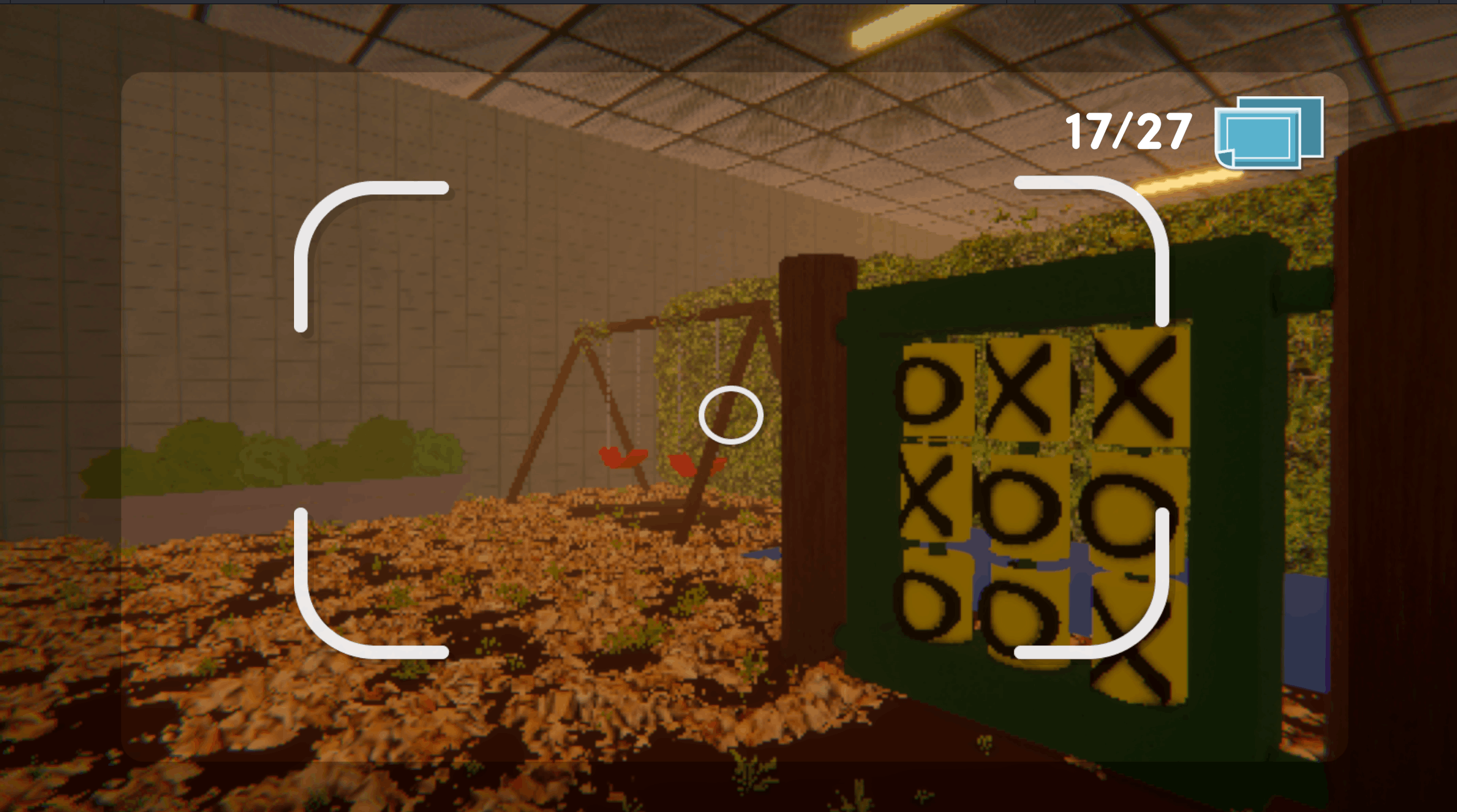
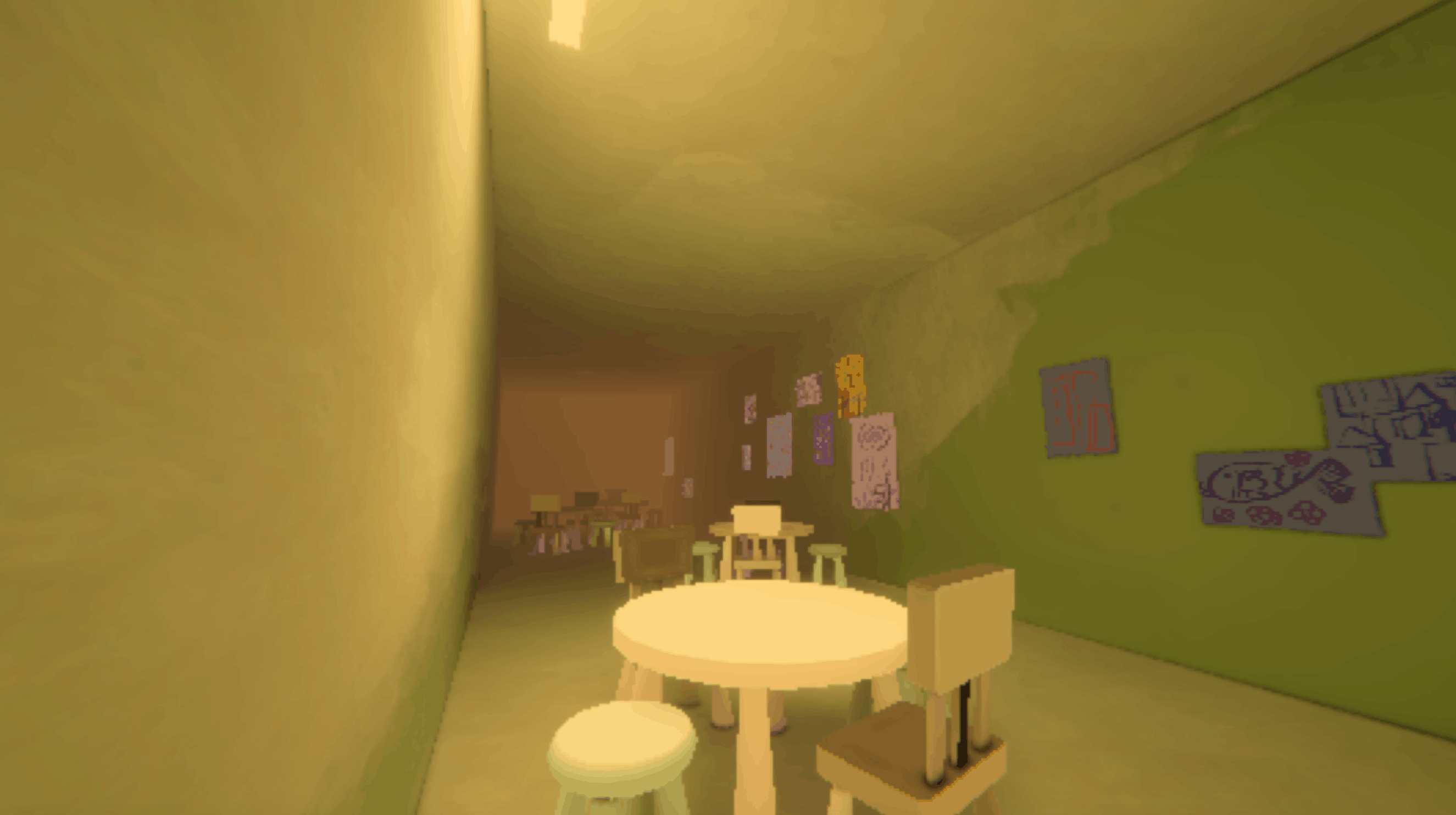
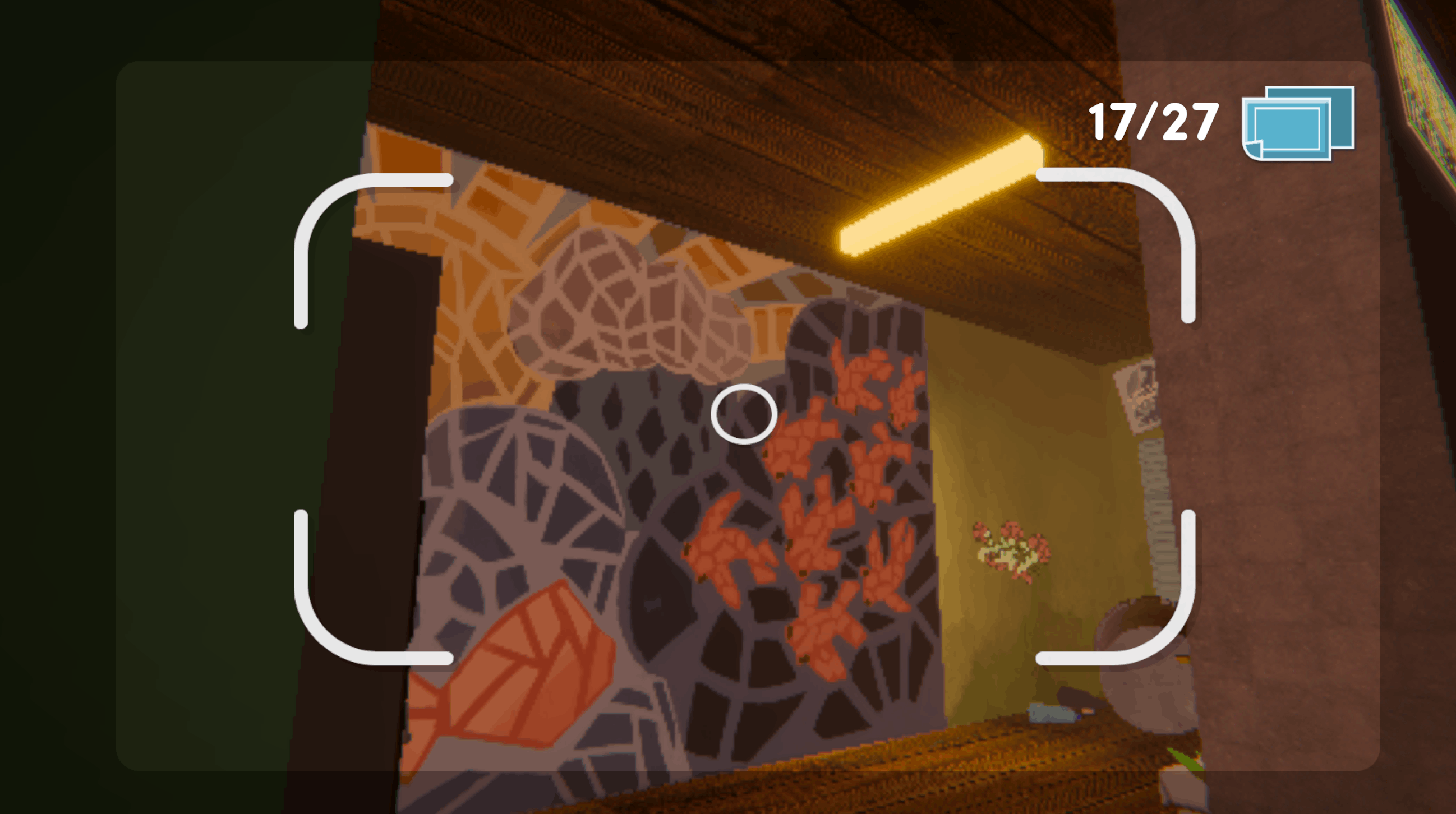
You play as Cam, moving through a flooded, memory-filled tower with a retro, 2000s PlayStation 1 aesthetic. Her only tool is a camera. It holds exactly 27 photos.
The loop is short. What the camera limit does is make every step of it cost something: a photo becomes a decision, something to consider, and to weigh. Does this image matter? Each image gives a caption with story, lore, hints to a puzzle.
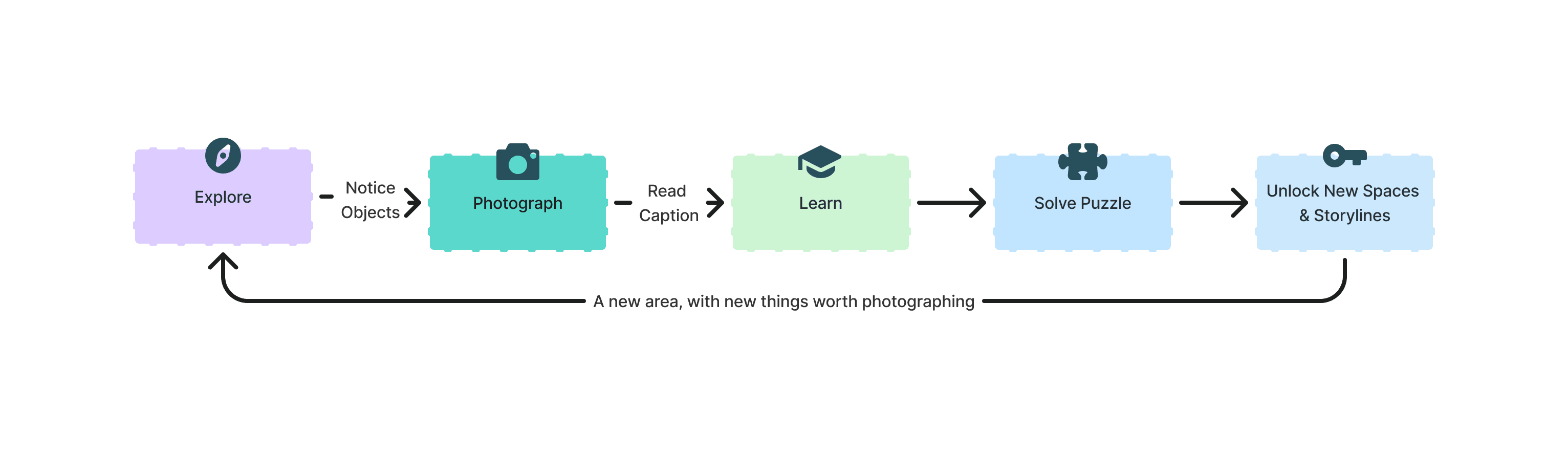
Player Flow Diagram
Leading the team
I led four designers and specced work for four disciplines I couldn't build in.
27 Photos is a Yale student project. 26 people are credited across five disciplines over the year. I worked with four designers on the design team, and we split UX, game, level, and UI between us, and I ran the assignments board every other discipline worked from. Design was the center point of the team: we requested and wrote out documents for the other teams, working collaboratively so we understood constraints, style, and technical requirements.
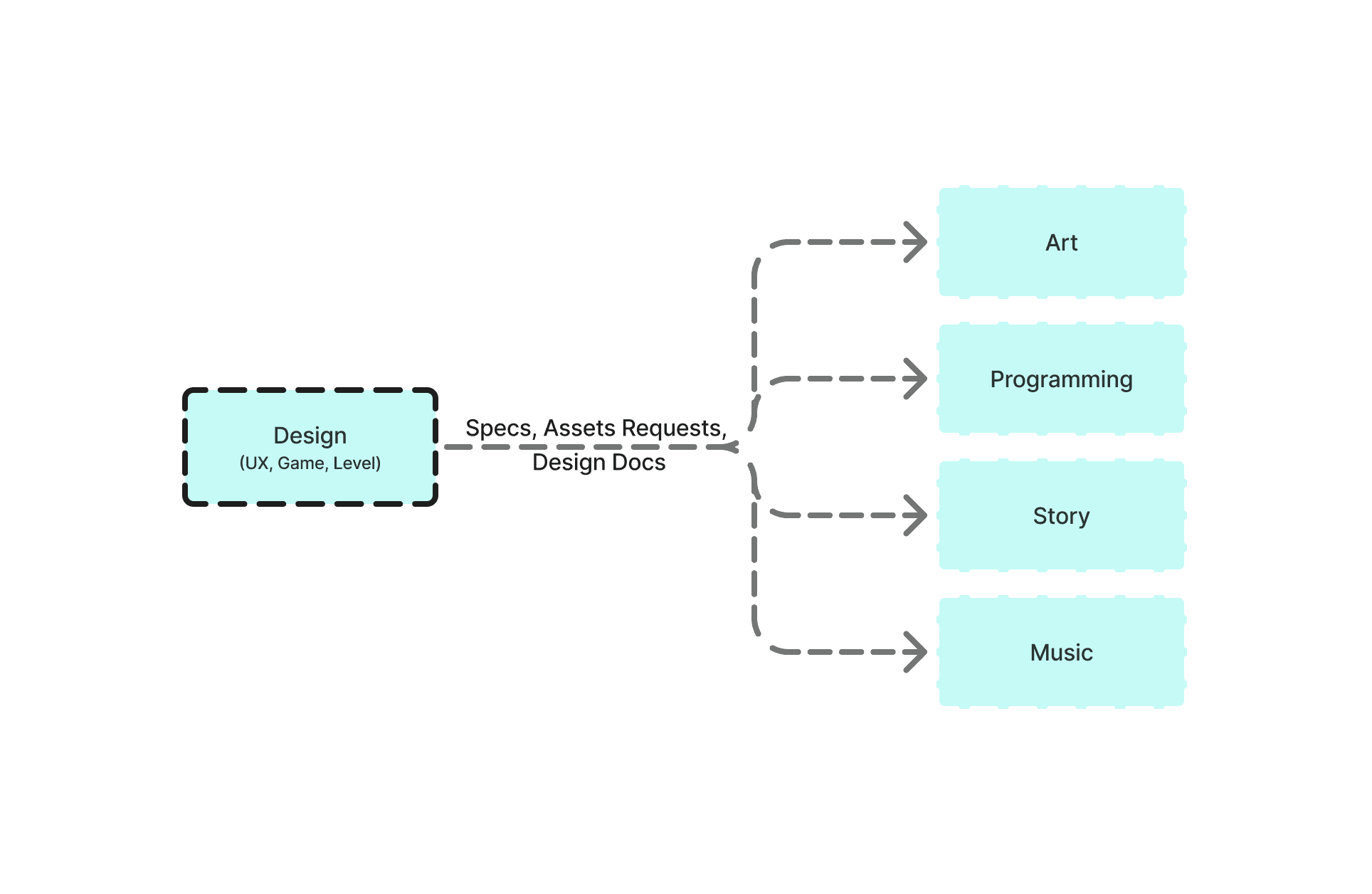
26 credited contributors across five disciplines.
The first demo
The first demo showed players didn't trust the system.
Our April 2026 alpha demo put a fully complete vertical slice in front of real players, and for the first time they could play from start to end with all of the art and music. Across 10+ testers, we synthesized the findings, and one line from a testing session set the direction for all future development: “Players don’t trust the systems yet.”
“27-photo limit made me overly conservative; taking a photo felt like punishment rather than freedom.”
April Playtesting Quote
“Taking a photo didn’t feel like the primary interaction, more like a last resort.”
Post-Mortem Analysis
Turning point
I rebuilt the photo limit so running out stopped feeling like a punishment.
The original design was a soft roguelike: hit 27 photos and the game reset you, on purpose. Scarcity was supposed to make each photo matter. It made players cautious instead, and the tutorial never said a reset wasn't a loss.
However, there was a problem. Players were feeling scared to try taking photos, making exploration and narrative no longer a priority. Thus, I rebuilt the mechanic around continuation.
Before: Hitting 27 photos forced a reset to the start of the level. Players felt nervous to use their camera.
After: At 27 photos, delete one to keep going. No automatic reset, switch focus to memory rather than limits.
Decision
Delete a photo upon hitting 27 to continue, not a complete reset of the game progress upon the limit.
Reasoning
Encourages exploration and engagement, challenging players to remember the things they cannot take photos of, rather than fear of running out of photos.
The idea underneath survived since deciding what to let go of still carries weight. It just became an important choice later in the game instead of a penalty for playing too much.
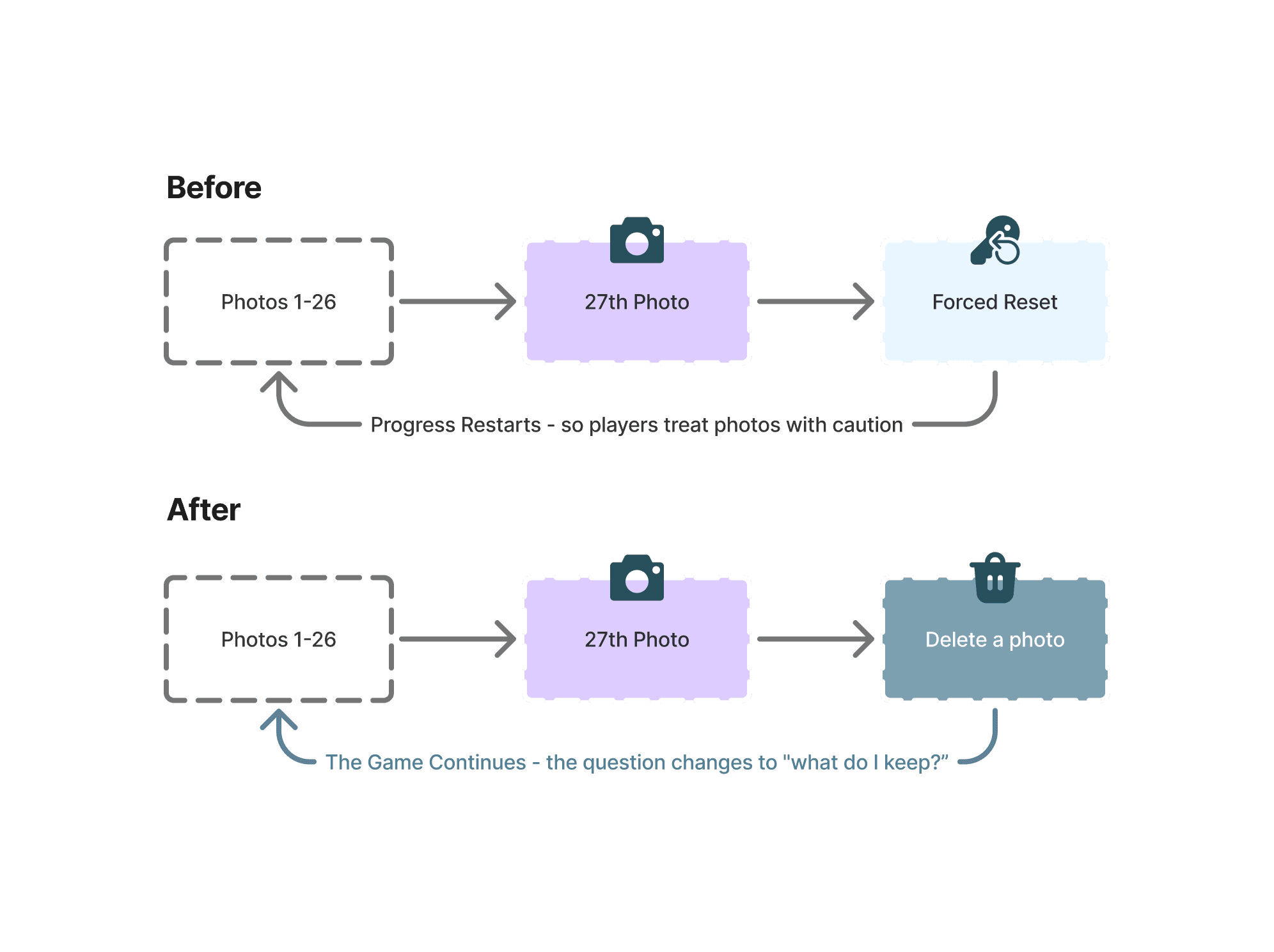
The camera still holds 27 photos; what differs is whether hitting the limit ends the run or challenges the player.
Delete Animation in Album Menu
What players stop for
Loosening the photo limit let players take more photos. The environment needed to cue what was important.
The storage change fixed the fear and exposed the next UX and game design problem. A hard limit had been doing hidden work: when photos are scarce, players only spend one on something unmistakably important. But with no hard limit, far more objects have to show their importance.
At first, we discussed a glow, a UI indicator, a sound effect that cues a player into an object’s importance. An audit of the whole level made us realize that we needed to focus on environmental cues for important objects: lighting, positioning, animation.
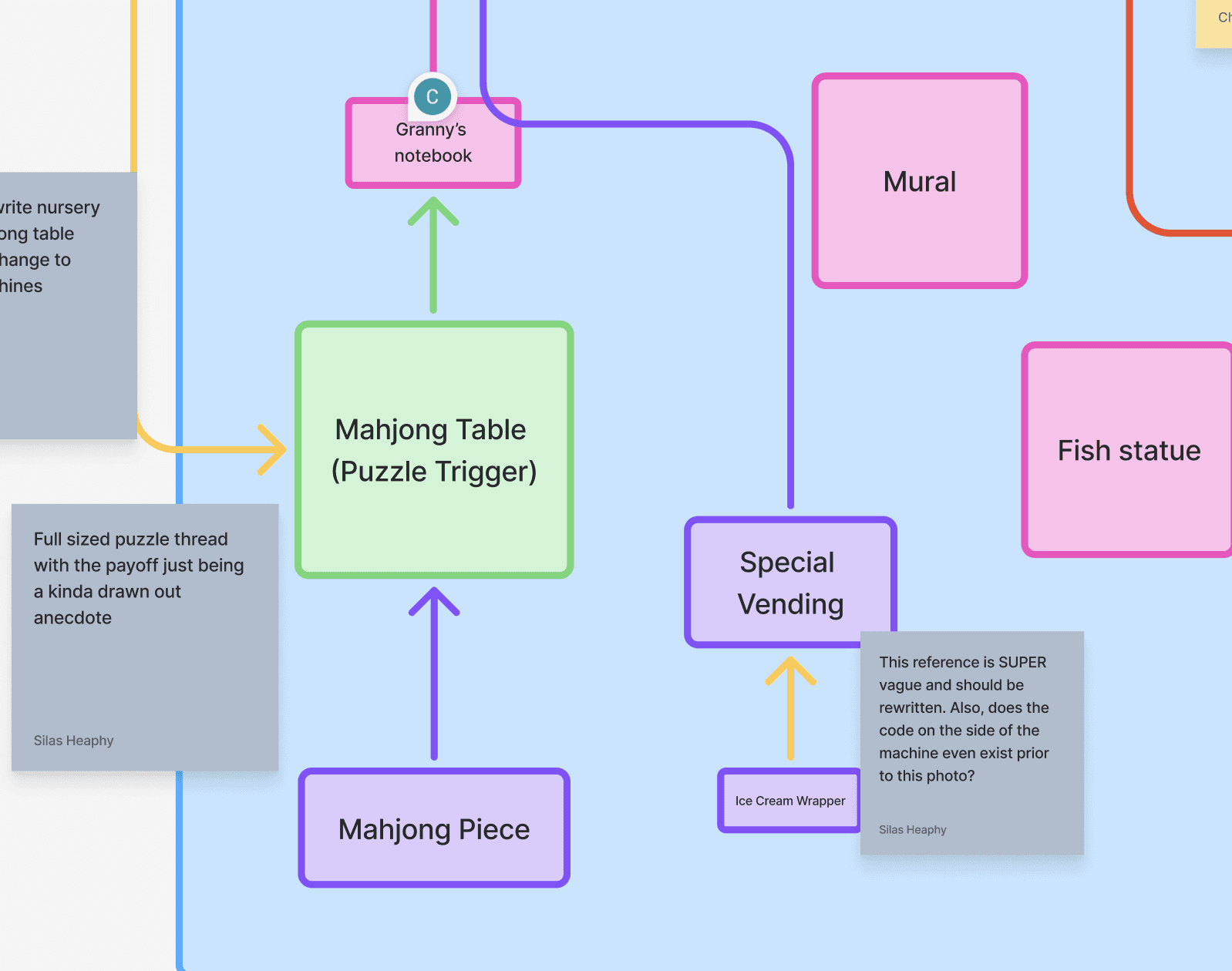
Design analysis of object relations and weak links between important objects.
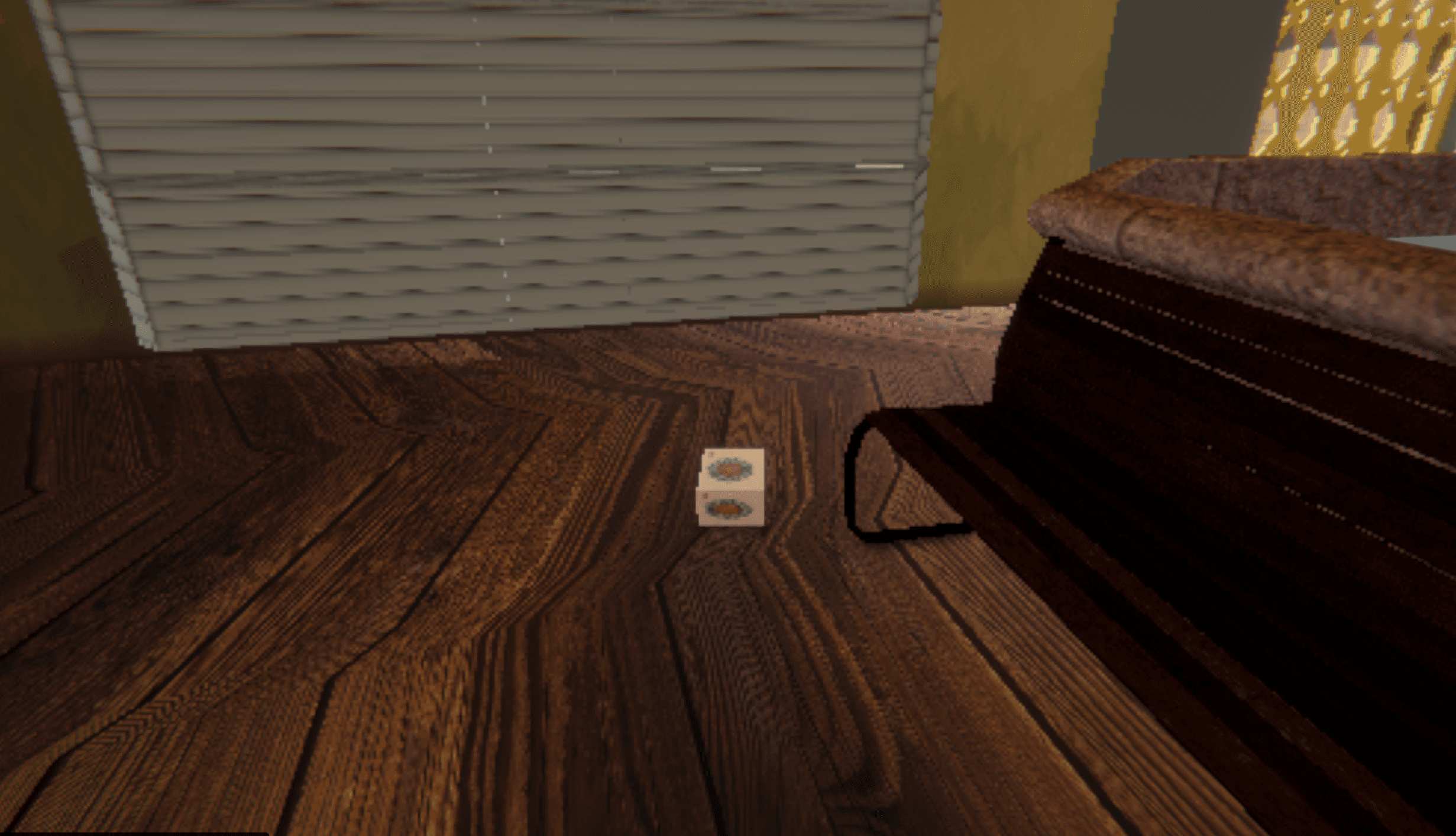
Mahjong Tile: placed in a location that is odd and noticeable, and also near the associated puzzle.
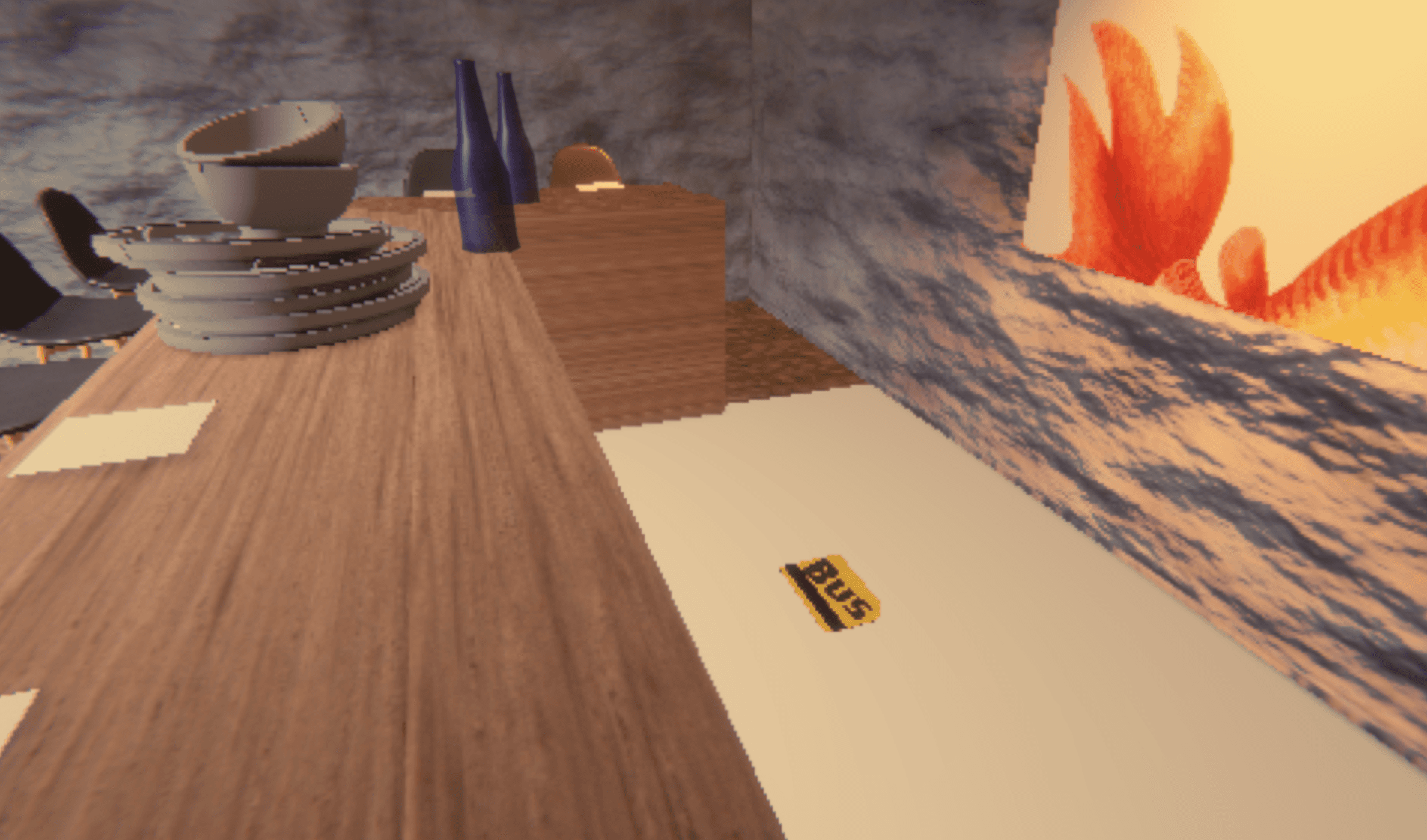
Bus Pass: placed behind the counter as a secret, but using color and light to highlight importance.
Puzzle Confusion
The same lack of prominence had turned Floor 1's puzzles into a number hunt.
The blindness for important objects caused issues: players who couldn't read which objects mattered had no chance of reading which keypad a code belonged to.
My diagnosis at the time: "The player feels like they are scavenging for a number, and that feels arbitrary and random." This brought about a series of design decisions across the experience.
Design Decisions
Standardize 5-digit keypad codes as passwords.
Shorten distance between hints and puzzles.
Add captions and hints to each locked door.
Add alternate paths of objects to the same answer (“maximize surface area”).
Solving the mahjong puzzle and receiving a new interesting photo object
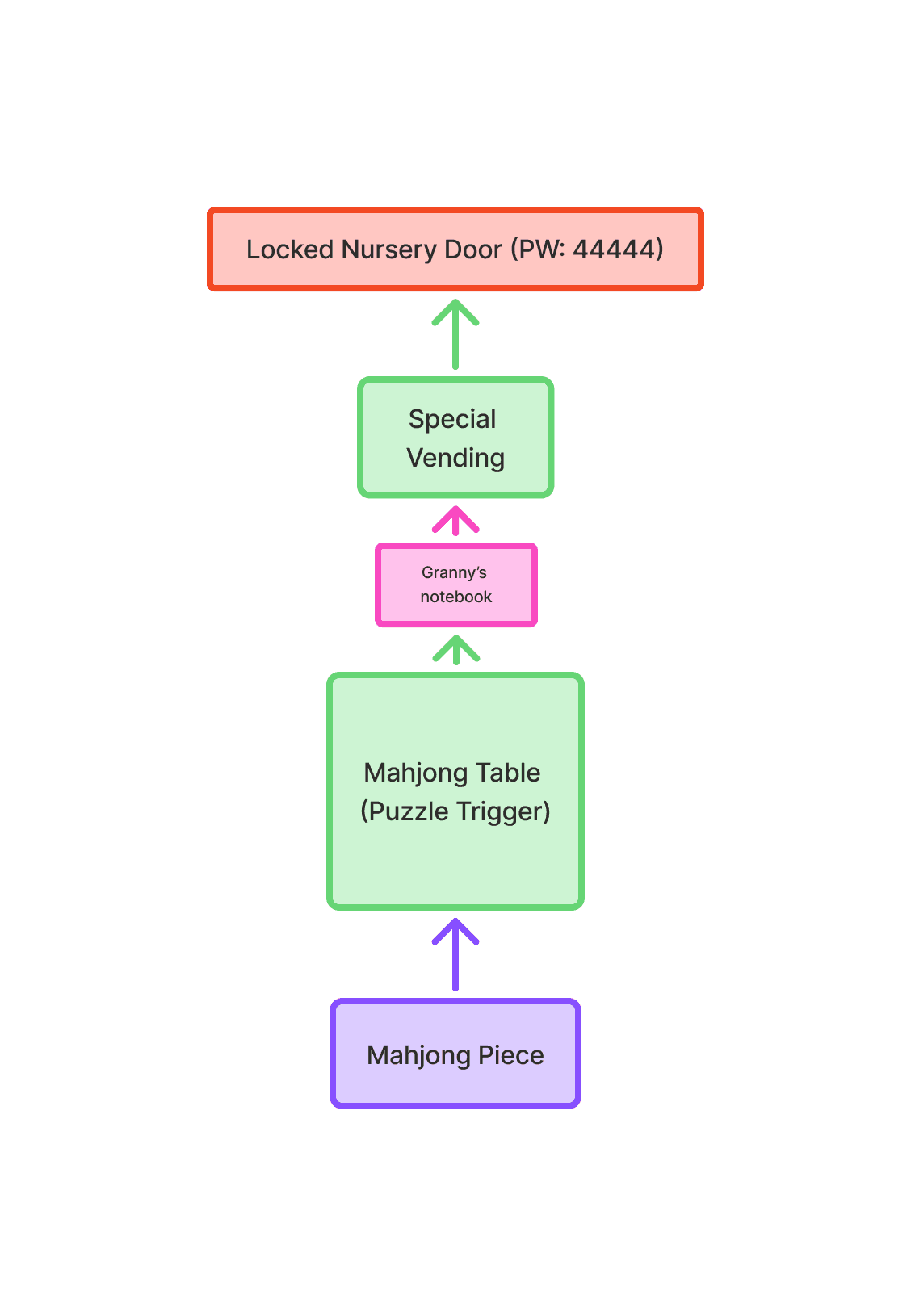
Chain of related photo objects
Visual Systems
None of it cohered until the interface was also nostalgic (and a bit kitsch).
I built the design system and visual language for the UI in Figma and Unity to match the nostalgic, 2000s, pixelated aesthetic we were going for. Soft blues, gradients, and fades were built into every component. I also focused on minimal intrusiveness: it should feel natural with little to no HUD and guidance. This philosophy also affected motion design, which is fluid, soft, and transient.
Blue: #58b2cd
Violet: #b2b5db
Yellow: #fdfdcb

Sofia Pro Soft: the game's only typeface. Rounded, retro, cartoon-y. (References: Kingdom Hearts, Pokémon Snap, DS-era games)
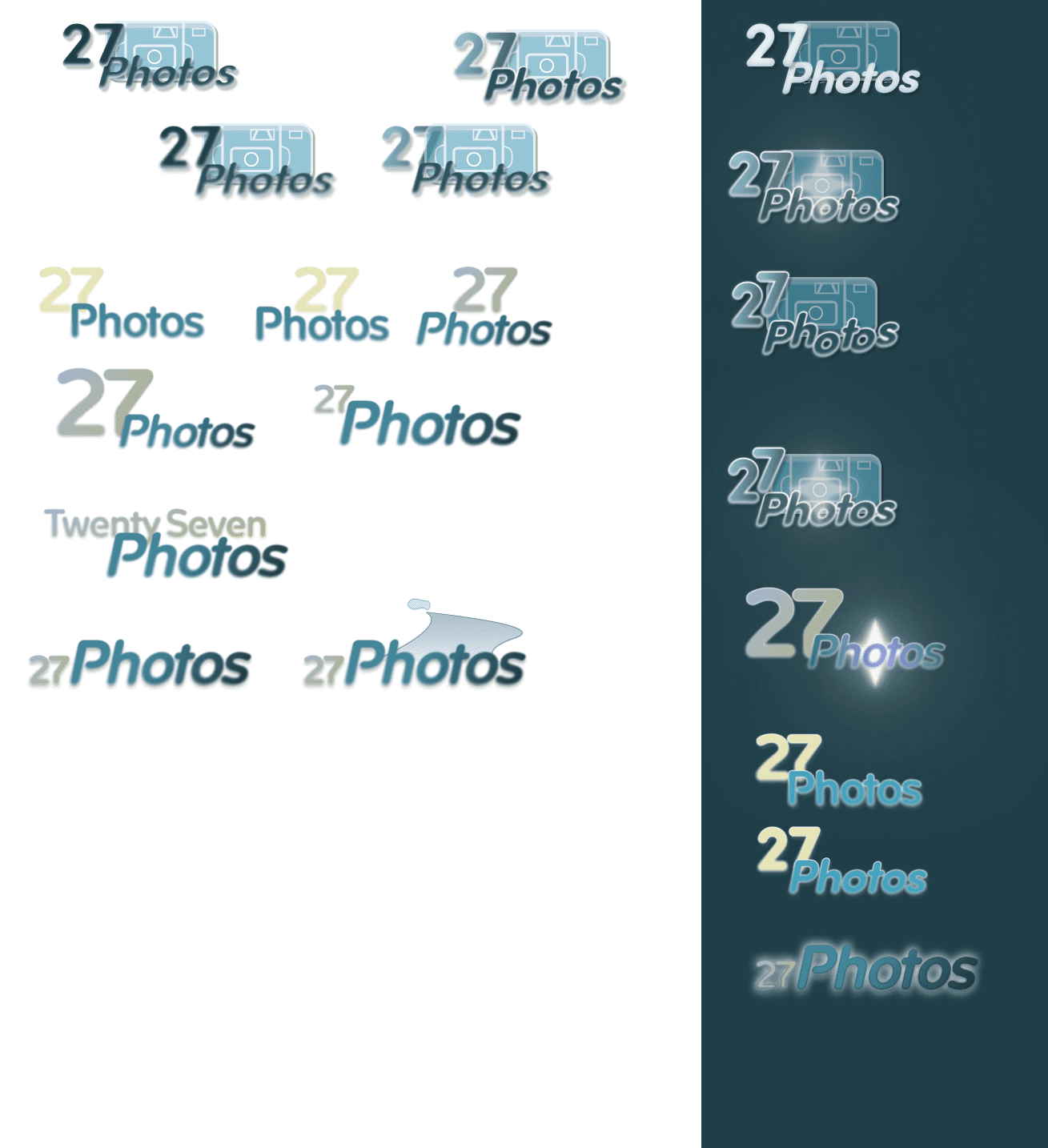
Logo Explorations and Drafts

Final Logo (Dark Mode)
Photography Animation
The environment teaches
Then I let the environment teach what a tutorial couldn't.
Every UI prompt in the game is contextual and it shows up when it’s actually needed. The interface should feel like one object with the world and contain only what is necessary, and only photo-related objects. A simple prompt with little other instruction or a diegetic puzzle sells the believability of the retro world.
Diegetic Keypad UI
Status
Two main game areas are finished. The third is on its way, and we are still playtesting and iterating for a final release.
One design question is still open as development continues: “Players feel like observers rather than explorers.” This is a classic UX vs. game design question: how much do we want players to know, how much agency to hand players, without undercutting what the story needs them to notice? This challenge is a trade-off I’m still working through, as we build towards a December 2026 Steam release.
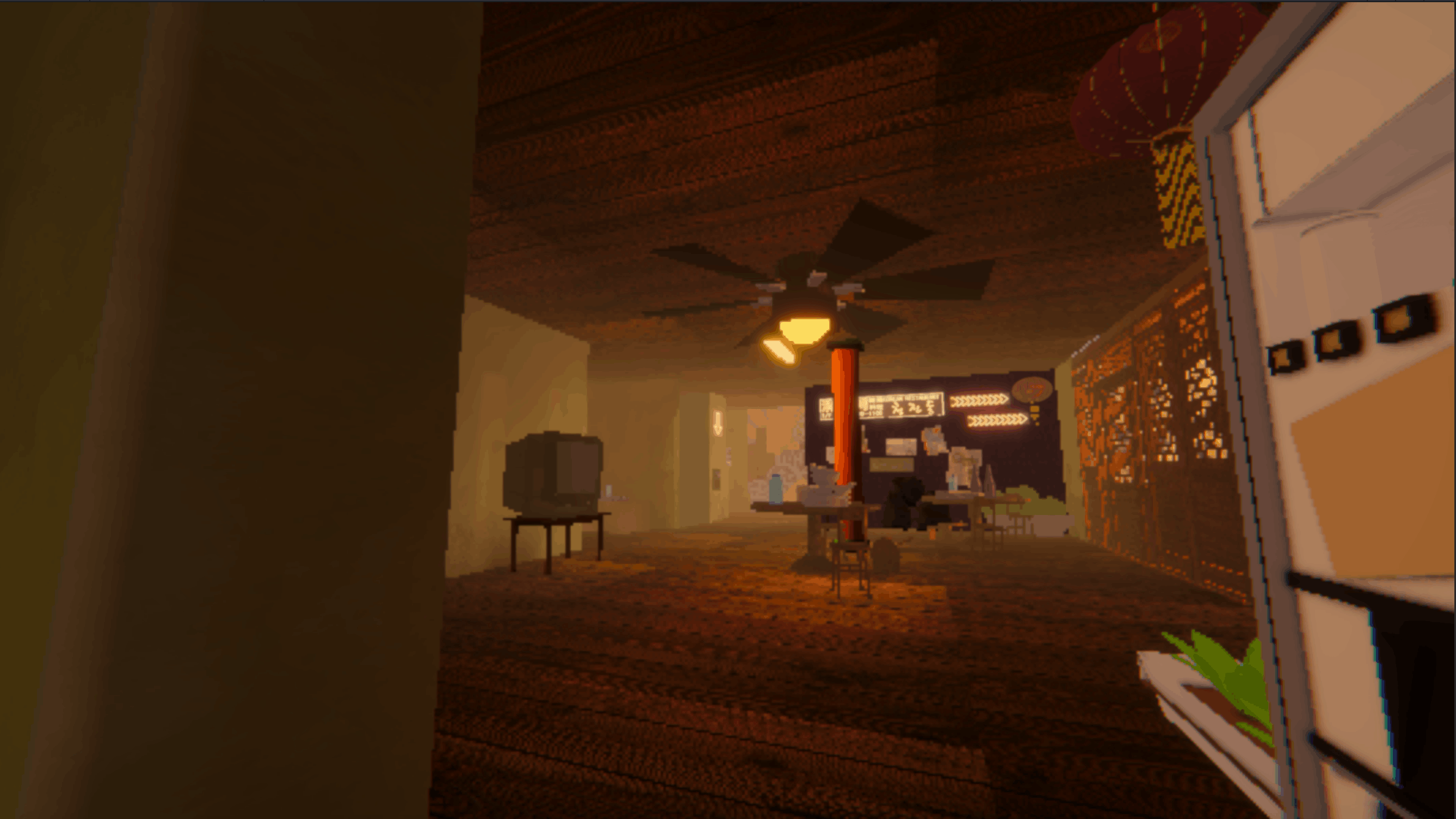
Reflection
What I'd take with me as I continue building
Most of my reasoning lived in my head and in meetings. That worked while I was in every room. It won't scale, and it's the first thing I'd change: write the why down the moment I make the call.
The observer-versus-explorer problem isn't solved just yet. How much guiding is too much hand-holding, and how can UX serve game design? We are continuing to build and test and iterate, over and over again, as we work towards the final release.